
Service Requests & Stripe Service Billing
Manage service requests, approvals, and payments
Give customers a place to request equipment service, review estimates, and follow their job. Choose completion billing or the separate Stripe Service Billing add-on for an explicit service-fee authorization and later capture.
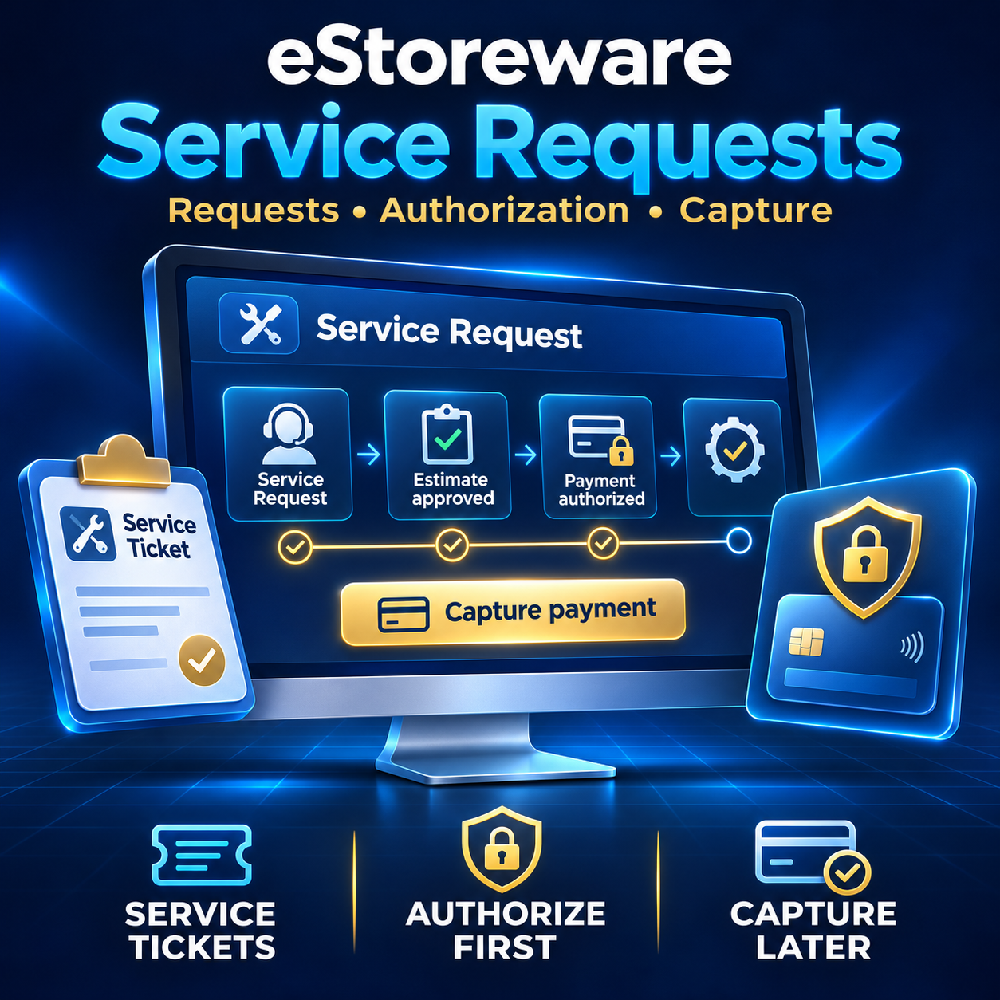
From customer request to completed work
Keep the service details together
Customer service requests
Registered customers describe printer, copier, or plotter issues, enter contact and equipment details, and request a preferred date. Private account history shows their own current-store requests.
Appointments and estimates
Staff confirm an appointment and timezone, review labor coverage, and enter parts and applicable tax. Changed financial details require fresh customer approval.
Updates and payment recovery
Service Requests supports branded customer and staff emails, preview mode, and delivery logs. Work completion and payment status stay separate, with secure recovery when payment needs attention.
Separate parts approval
Keep parts charges explicit
In Stripe Service Billing, staff prepare a separate parts quote with descriptions and reviewed tax. The customer approves its exact total. Once work is complete and the service fee is paid, staff explicitly charge the approved parts to the same saved card. Approval alone does not charge the card.
Parts quotes retain their own payment references. To correct an unpaid quote, cancel it and request approval of a replacement.
Choose one billing workflow for each job
Service Requests completion billing: save a card without a hold, obtain approval of the final job total, then complete the work and charge that approved total.
Separate Stripe Service Billing: create a new billing job, authorize the service fee, capture it after work, and charge separately approved parts when eligible.
The add-on's job reference is descriptive text. It does not import a service request or turn off its completion charge. Staff must use one billing path for the work to prevent duplicate billing.
Both workflows require eStoreware Core and licensed Stripe Payments with saved cards configured. Current releases use USD with staff-reviewed tax. Service Requests rates, consent, and theme were built for a specific merchant and need review before reuse. The separate billing add-on does not reserve appointments, send approval links automatically, or create native product orders.