
Fewer steps
Keep the purchase workflow focused and easier to follow.
eStoreware for nopCommerce • One Page Checkout
eStoreware configures the nopCommerce checkout and connects it with eStoreware payment, quote, and B2B extensions to create a responsive desktop and mobile purchasing workflow.
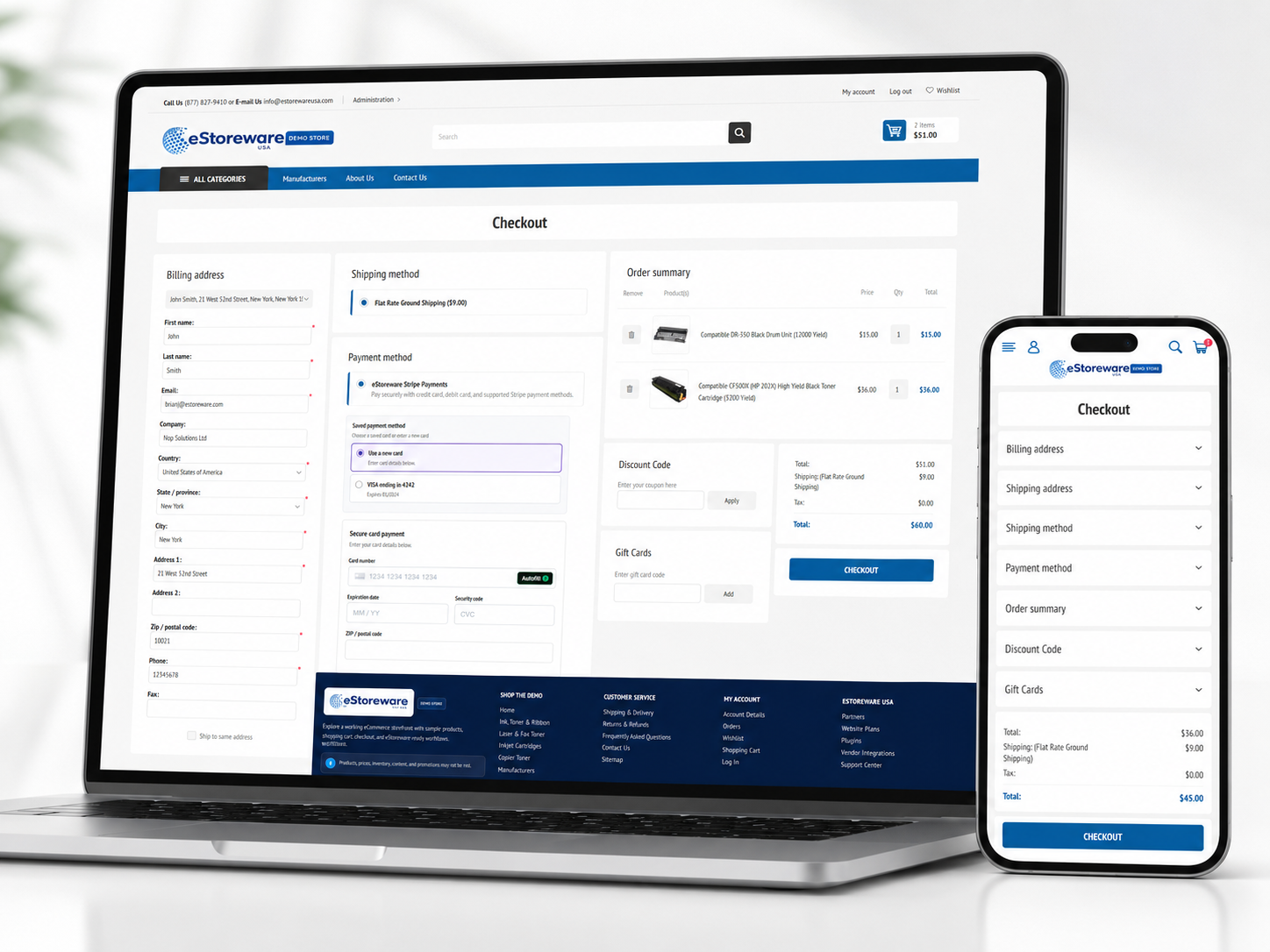
Keep the purchase workflow focused and easier to follow.
Show products, discounts, shipping, tax, and totals clearly.
Let returning customers use a stored card or enter a new one.
Convert checkout sections into clean mobile accordion panels.
Offer a special-pricing request when normal checkout is not enough.
Move successful purchases into order details and administration.
Cart review and special pricing
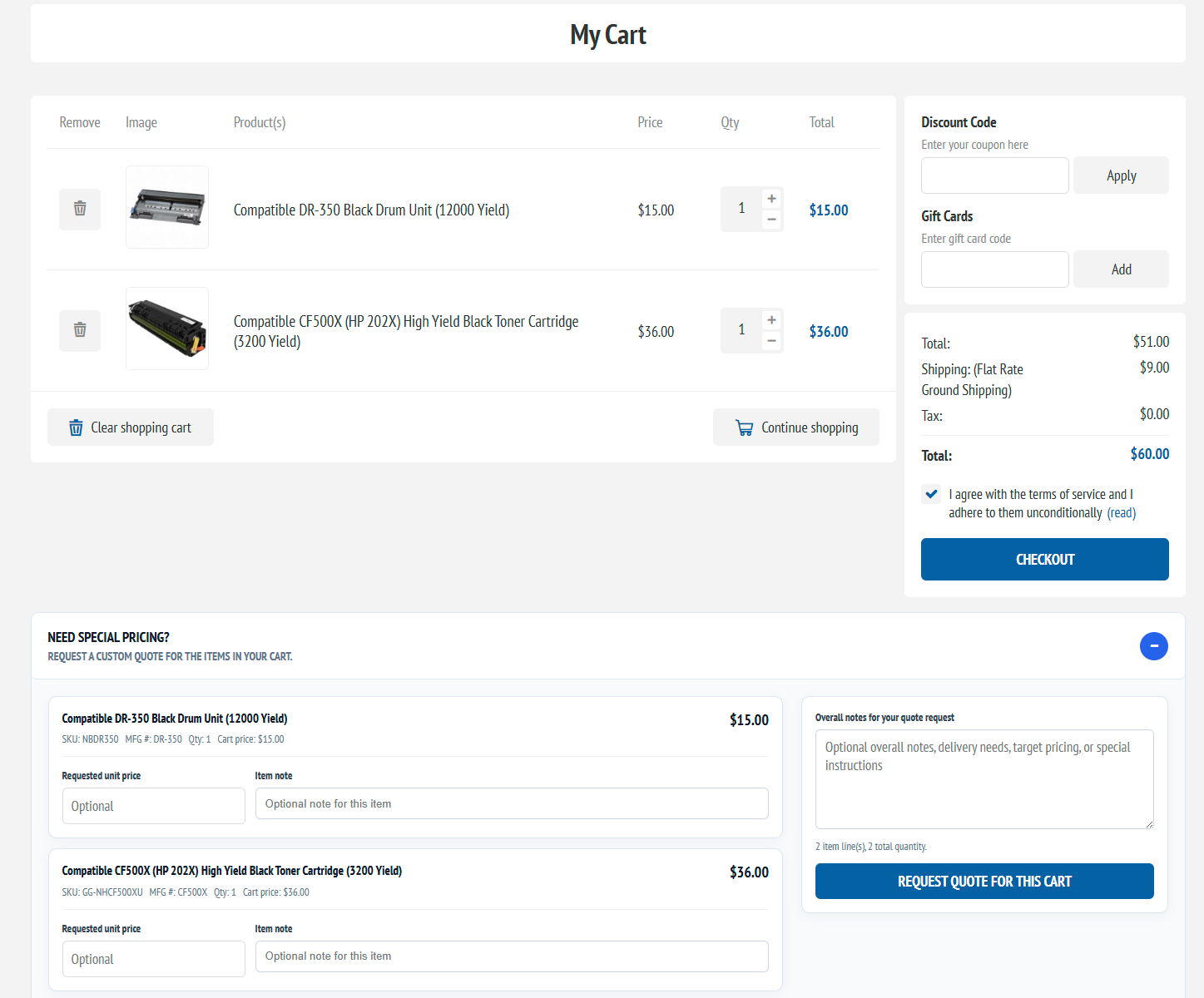
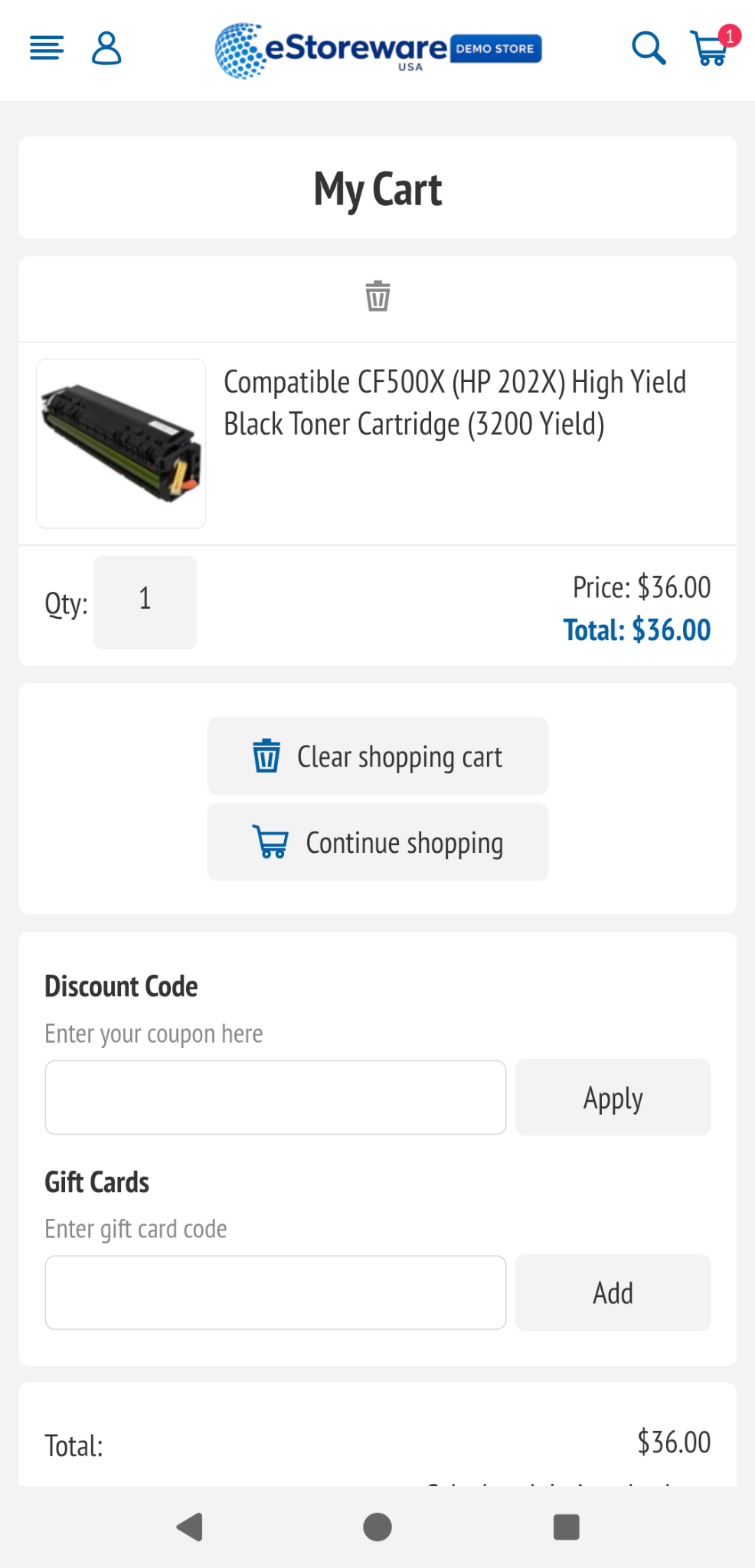
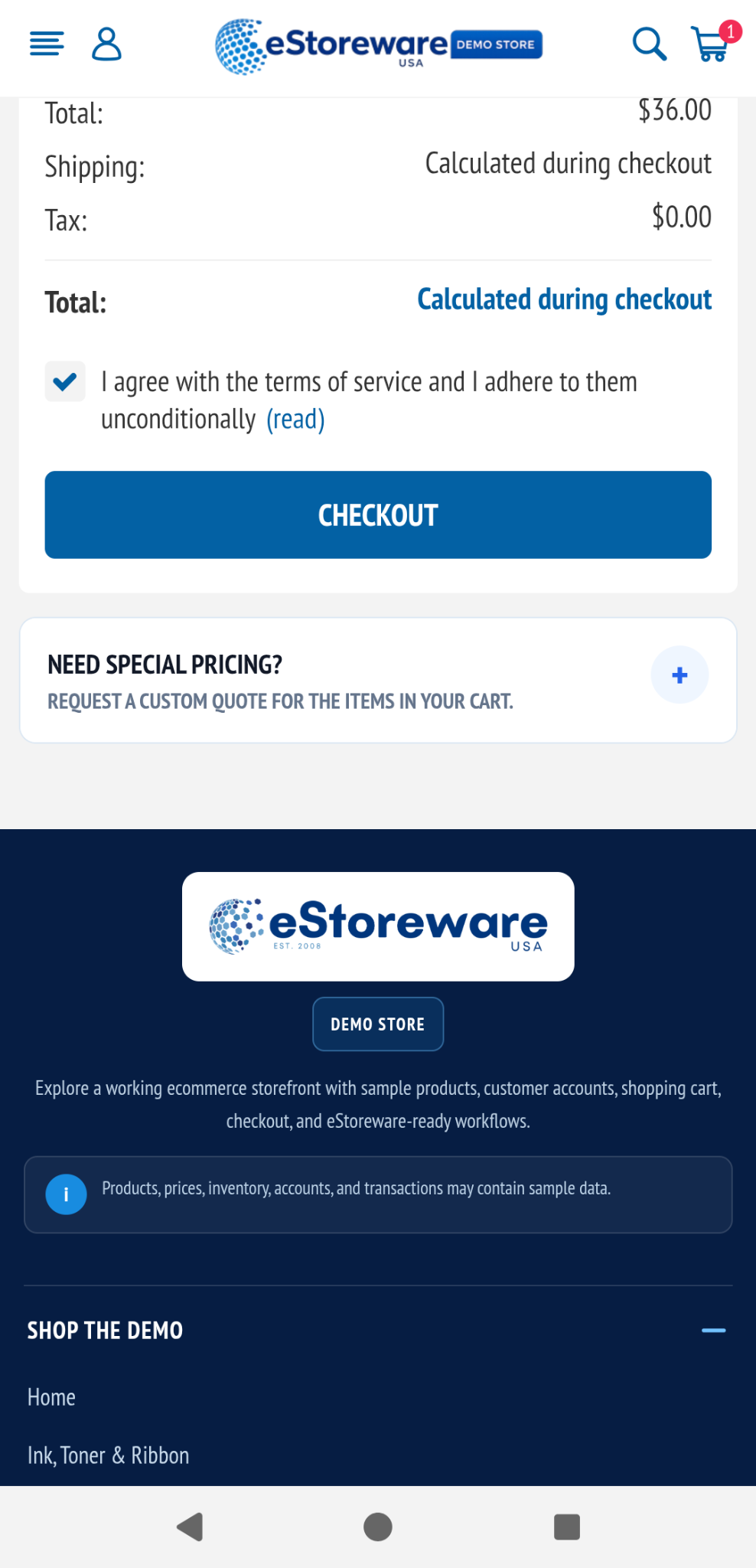
The cart keeps products, quantities, discounts, gift cards, terms, estimated totals, and checkout controls visible. For business buyers, the same page can also open an Advanced Quote request without forcing them to rebuild the product list.
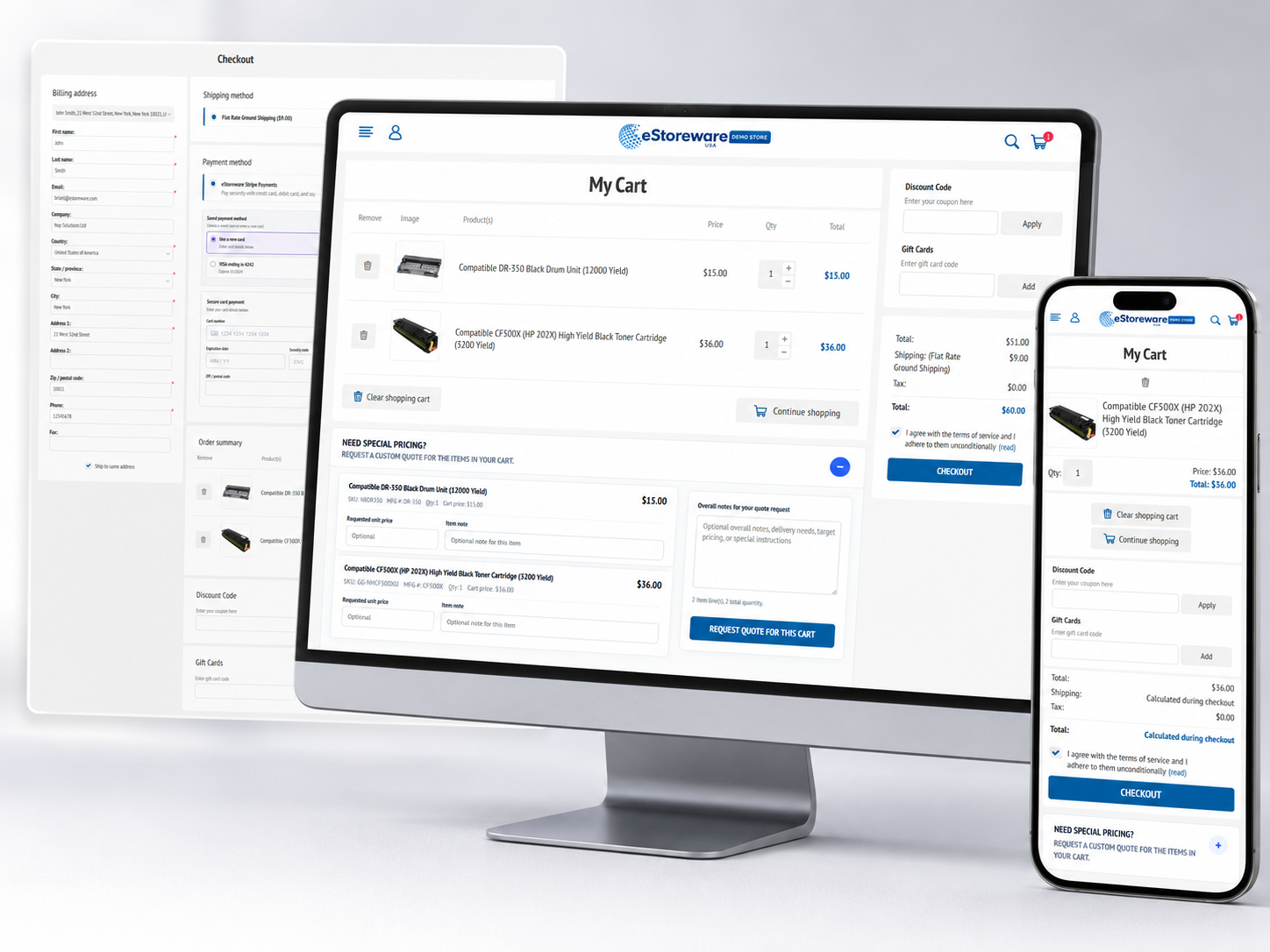
Customers can move directly to checkout or expand the special-pricing area to request a quote for the products already in the cart.
Cart tools
A customer does not need to choose between a standard storefront and a separate quote system. The cart can support both paths.
One connected checkout
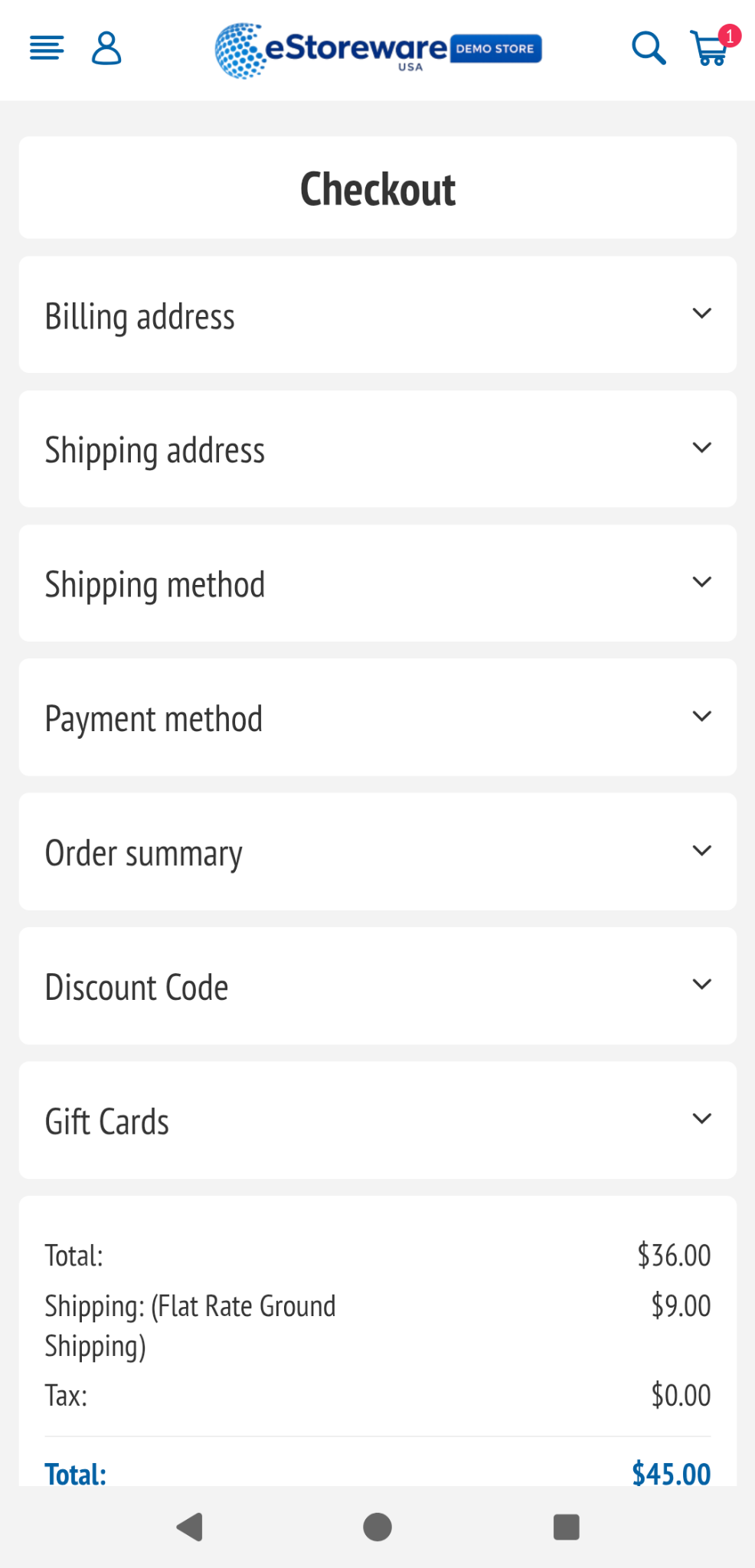
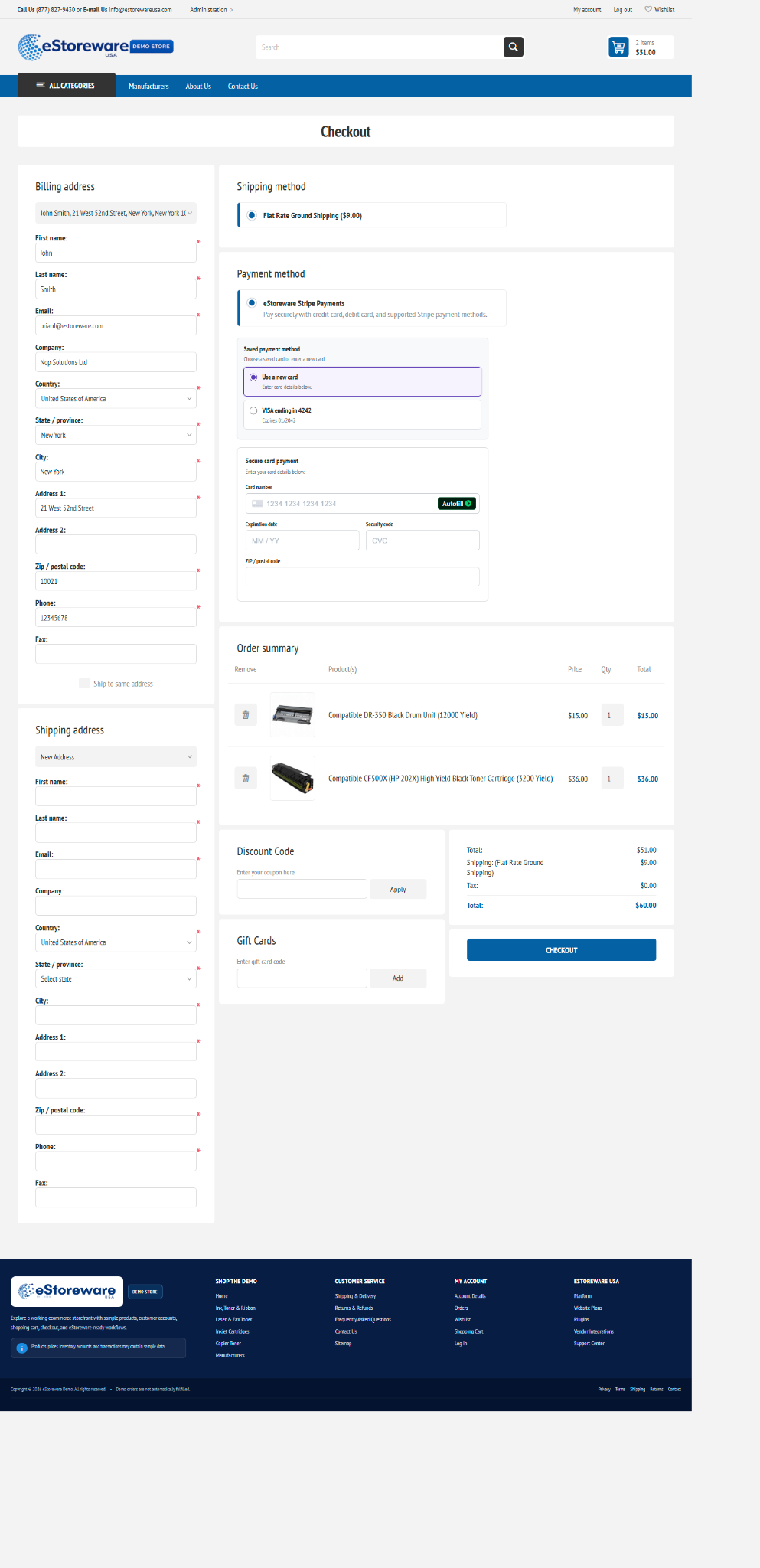
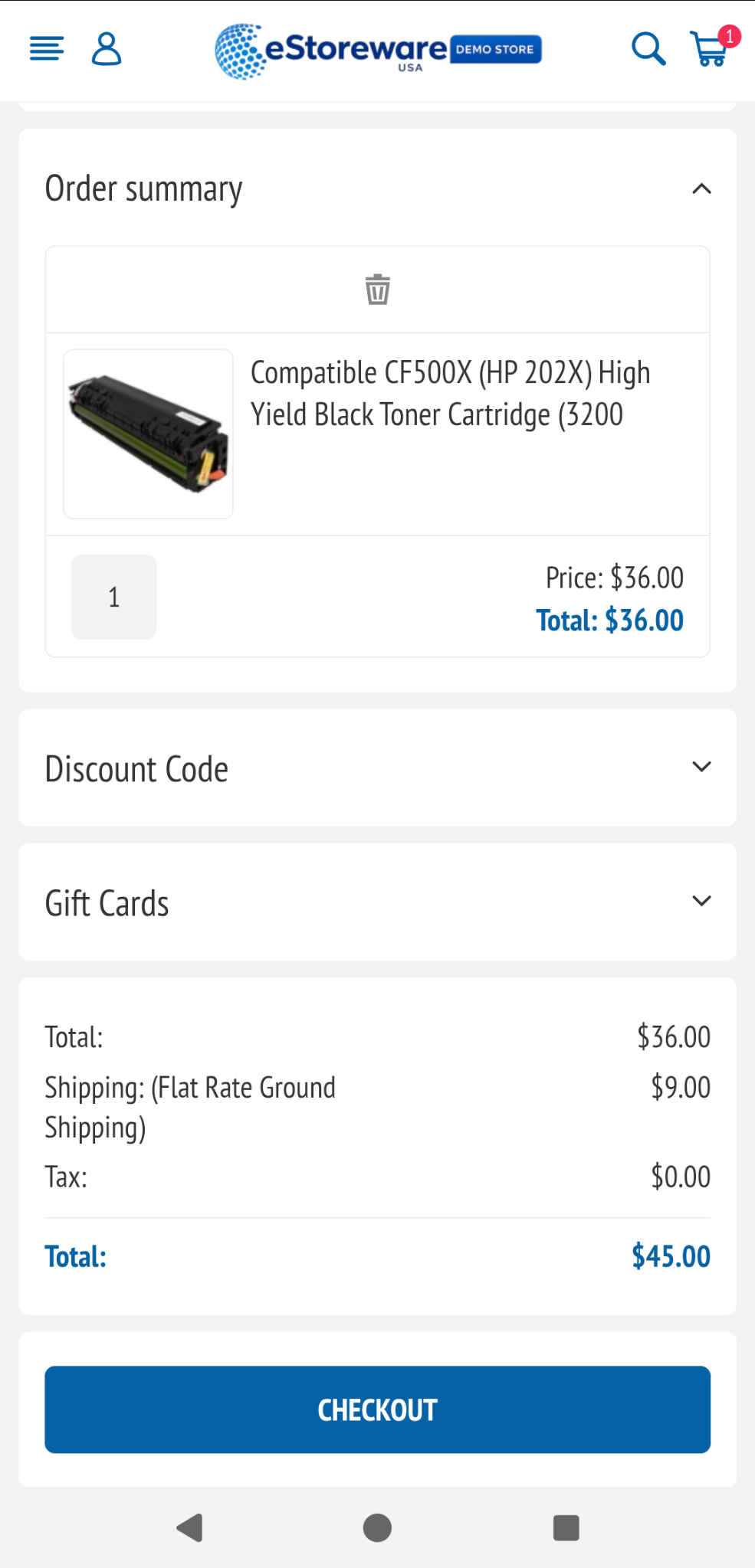
Desktop customers can review the major checkout areas together, while mobile customers receive the same information in a compact accordion layout designed for smaller screens.
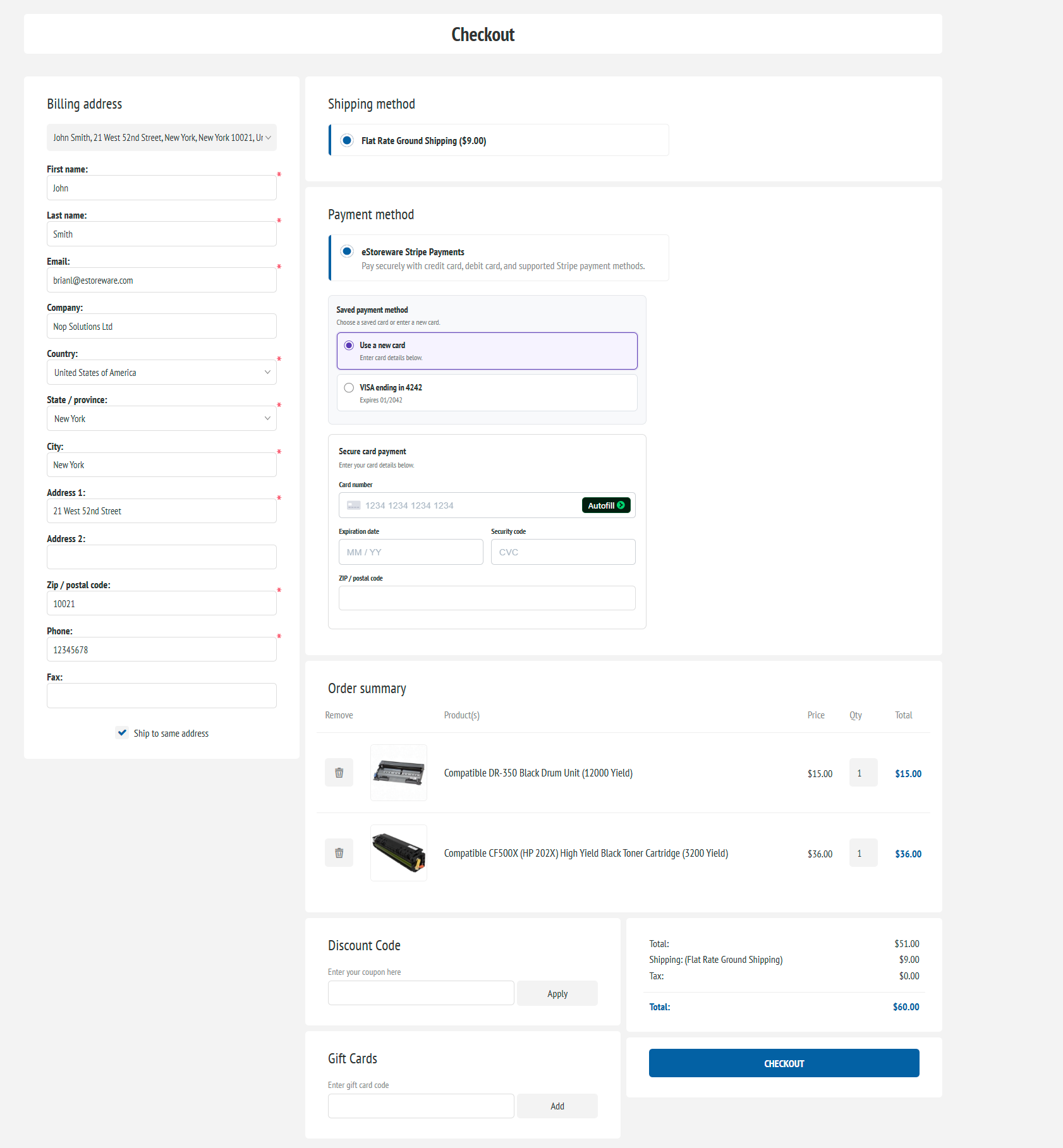
Clear order review
Product images, names, quantities, prices, discounts, shipping, tax, and final totals remain connected to the checkout action.
Secure payment
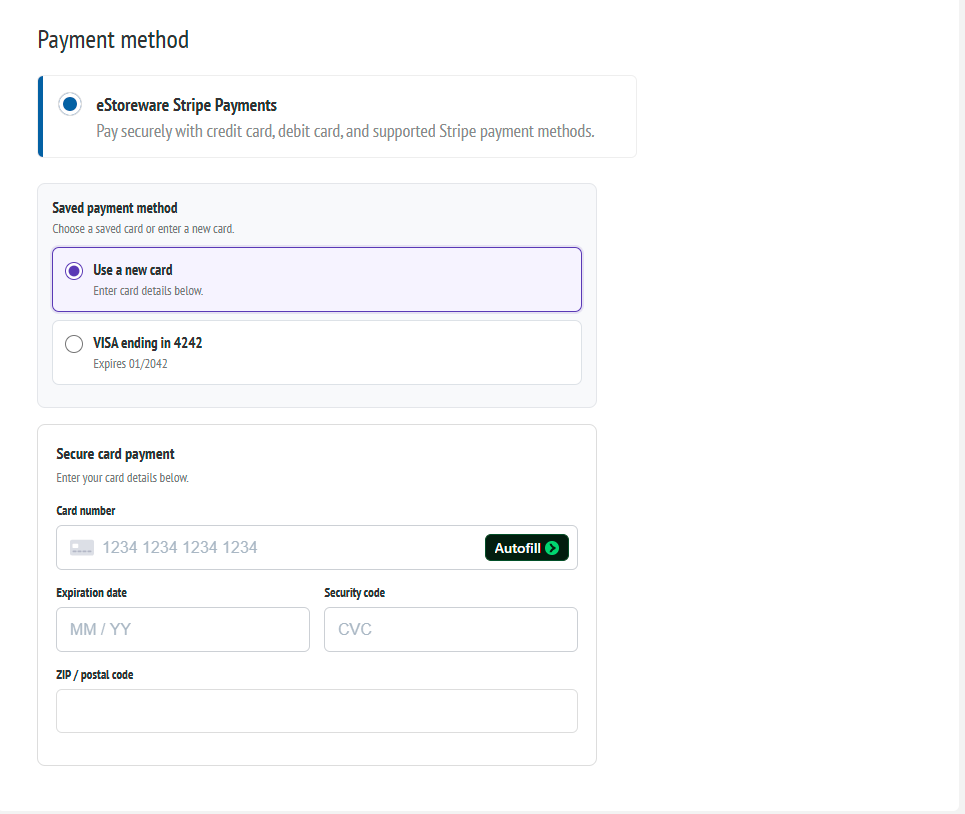
eStoreware Stripe Payments can display a returning customer's stored payment methods while keeping secure card fields available for a new payment.
Responsive cart and checkout
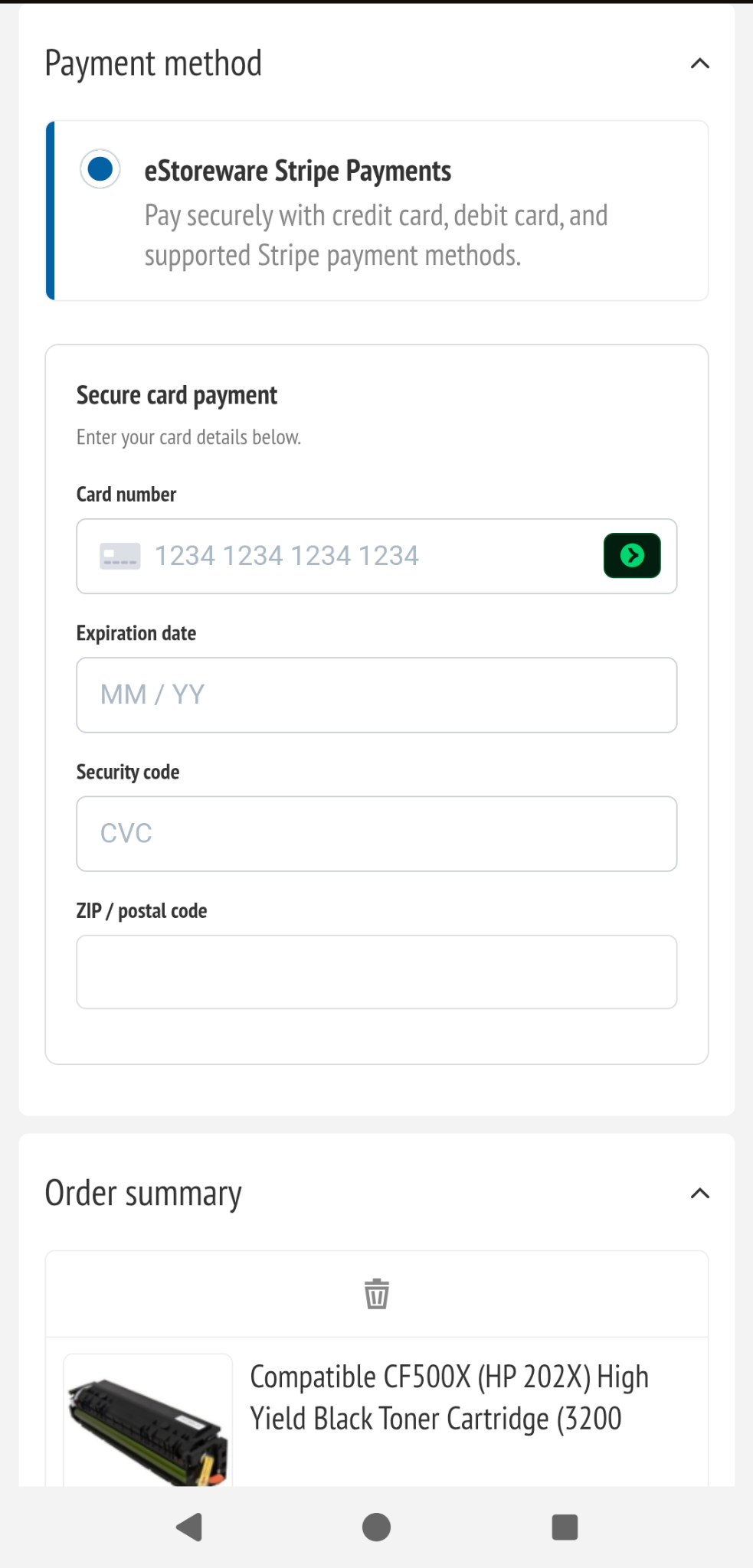
The mobile experience reorganizes the desktop workflow into readable product cards, expandable checkout sections, clear totals, large actions, and mobile-friendly payment fields.
Connected customer journey
One Page Checkout is one part of a larger connected workflow. Customers can arrive from normal product browsing, a Quick Order Form, a saved reorder list, or an approved quote.
Add products through the catalog, a Quick Order Form, or another approved purchasing workflow.
Confirm quantities and totals, proceed normally, or submit a special-pricing request.
Confirm addresses, shipping, payment, products, discounts, and the final amount.
Continue into payment status, fulfillment, vendor ordering, shipment tracking, and reporting.
Successful order completion
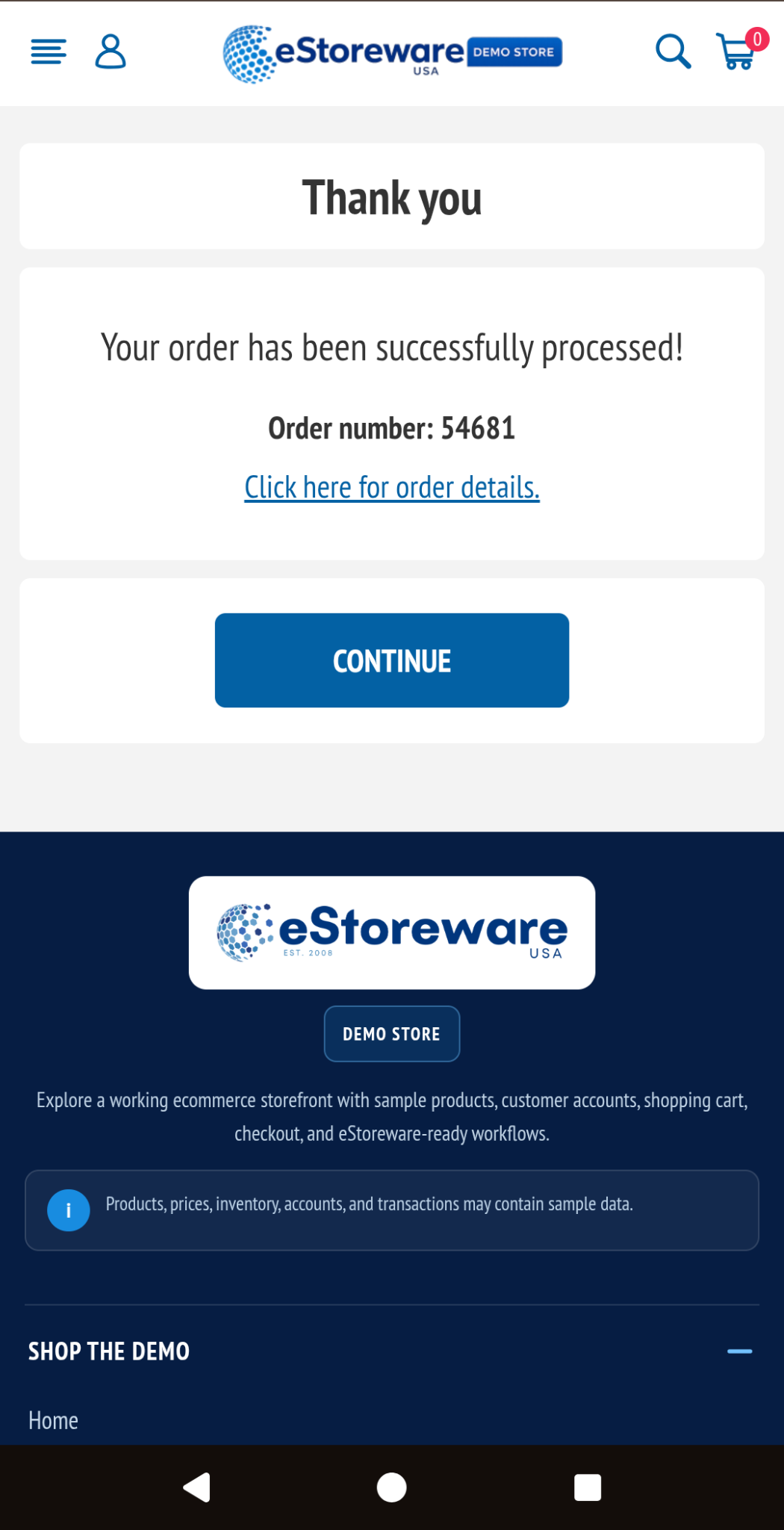
After successful processing, the storefront confirms the order, presents the order number, and gives the customer access to the completed order while the administrative workflow begins behind it.
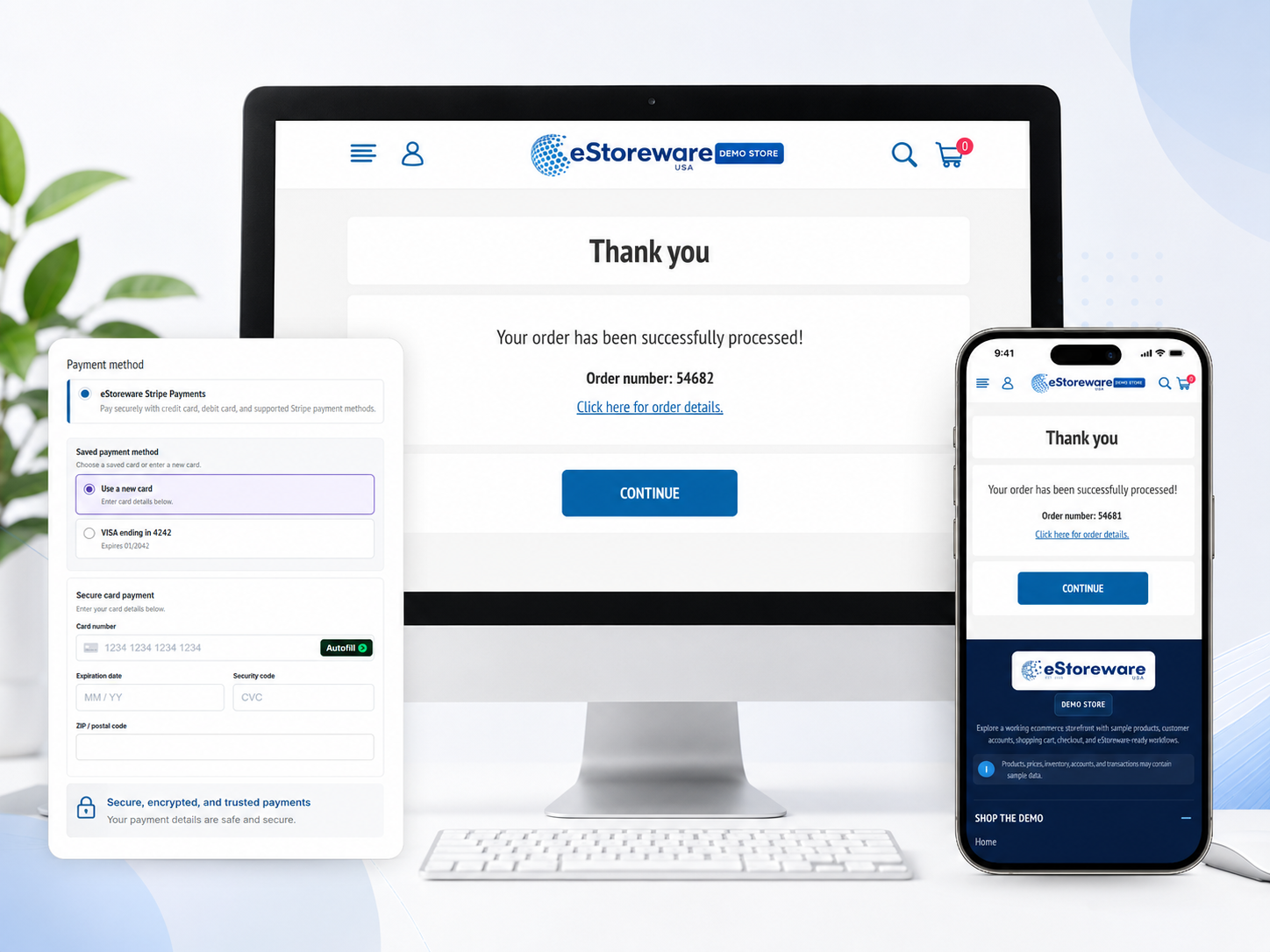
The checkout journey ends with a clear confirmation on both desktop and mobile, while order details remain available to the customer.

A faster path to purchase
See how One Page Checkout works with Stripe payments, Quick Order Forms, Advanced Quotes, customer accounts, order administration, and fulfillment workflows.