
Multi-Store

nopCommerce configuration • Multi-Store

Manage multiple storefronts without making every store identical.

nopCommerce provides multi-store capabilities. eStoreware configures store domains, catalog scope, content, themes, settings, and supported store-scoped plugin behavior as part of the selected service.
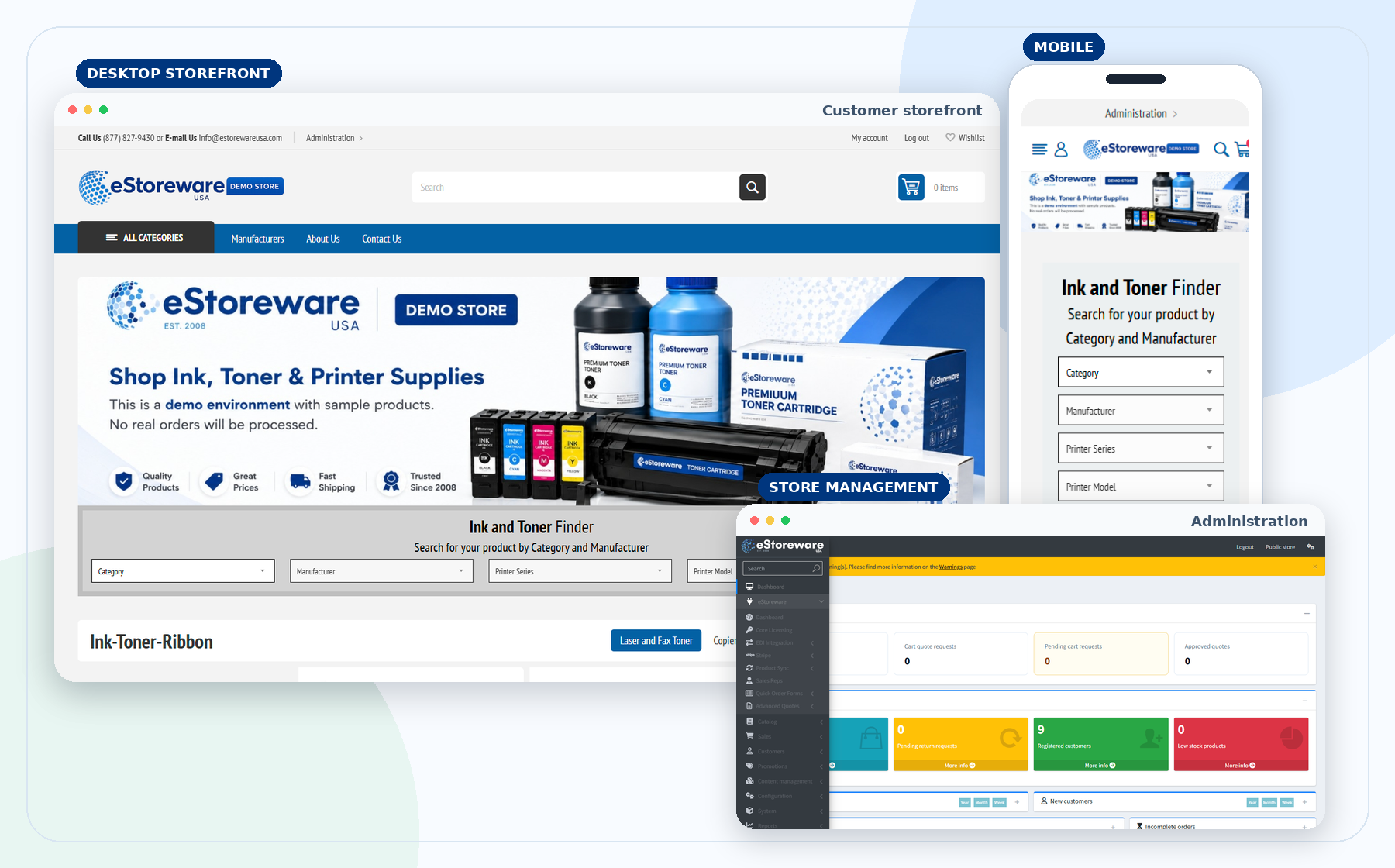
  • Operate multiple storefront domains from shared administration
  • Scope products, categories, content, settings, and themes
  • Use store-specific payment and plugin settings where supported
  • Keep central visibility while presenting different customer experiences
Storefront, mobile, and shared administration
DM

Domains

Give each store its own public domain.

TH

Themes

Present different branding and content.

CT

Catalogs

Limit product and category visibility.

ST

Settings

Override supported settings by store.

PL

Plugins

Use store-scoped plugin behavior.

AD

Shared admin

Manage stores from one administration area.

Distinct customer experiences

Present different storefronts on a common operational foundation.

Each store can have its own domain, branding, homepage, navigation, catalog visibility, and business purpose.
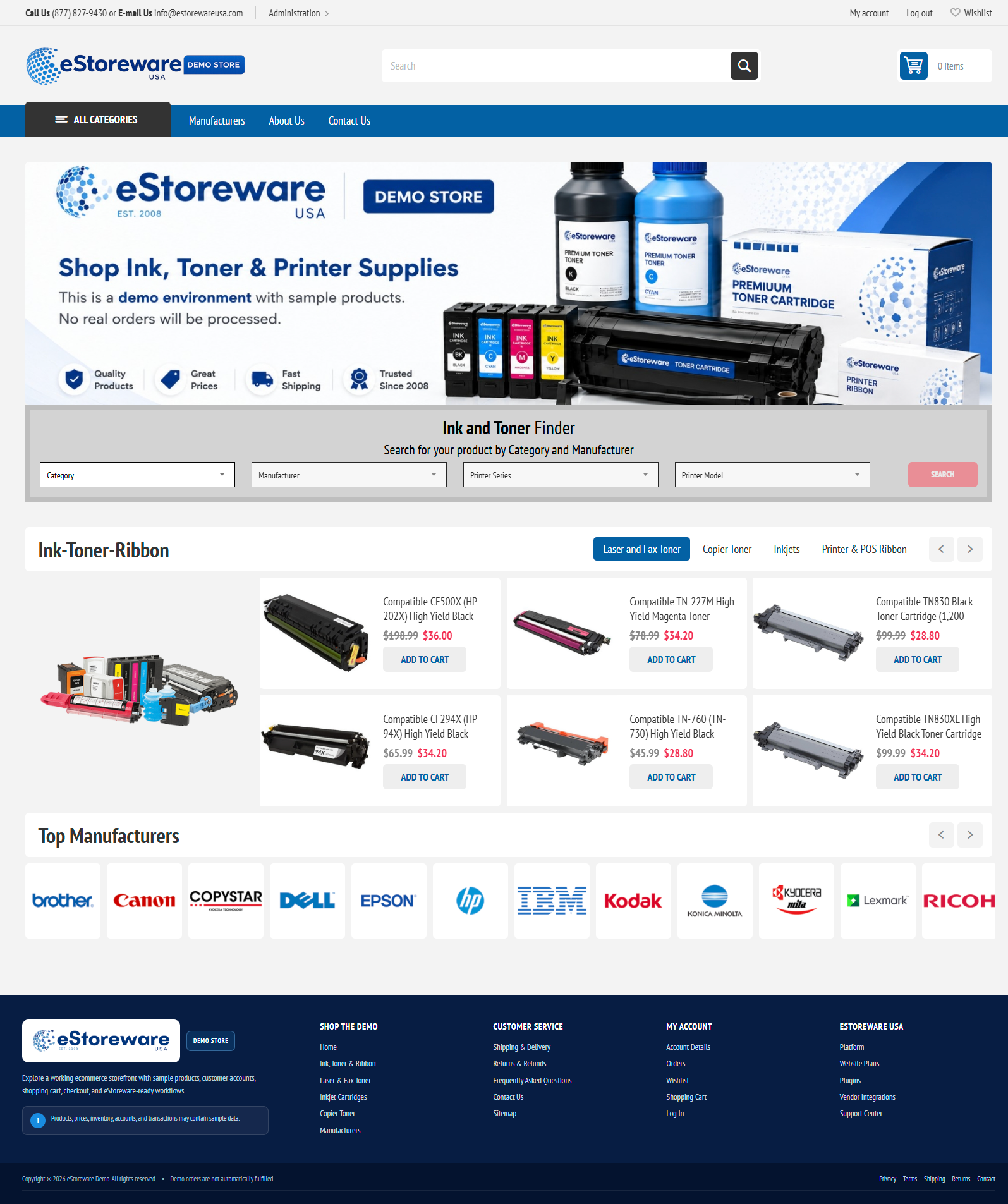

Desktop storefront
Full desktop storefront experience
Mobile storefront
Responsive mobile storefront experience

Store-scoped data and settings

Control what belongs to each storefront.

Store mapping and overrides determine which products, content, payment, and plugin options apply.

Catalog visibilityMap products, categories, manufacturers, and availability.
Content and themesUse store-specific topics, menus, logos, banners, and design.
Checkout settingsControl supported payment, shipping, tax, and customer options.
Plugin overridesApply store-scoped eStoreware settings where supported.

Shared administration

Keep central visibility across customers, orders, products, and reporting.

Use store filters, mappings, and store-scoped configuration to understand where records belong.
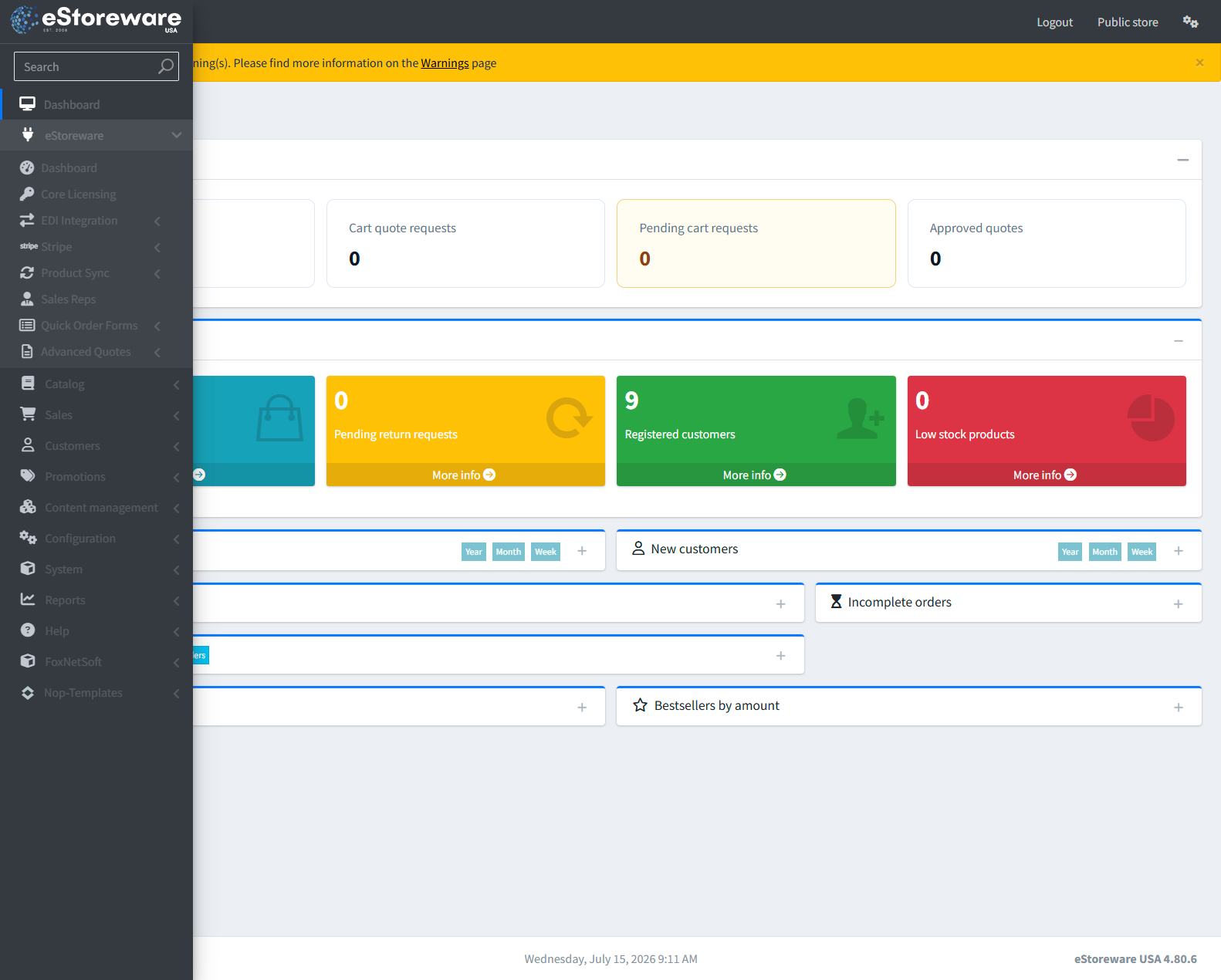
  • Review orders by store
  • Manage shared or store-specific products
  • Filter customer activity by storefront
  • Maintain operational and reporting visibility
Administration dashboard
Shared administration for multiple storefront operations

eStoreware plugin behavior

Use store-specific plugin settings where the workflow requires them.

Supported plugins can use store-level overrides for credentials, availability, customer behavior, product scope, or vendor connections.

Multiple storefronts, one foundation

Build store-specific experiences without separating every workflow.

Discuss the domains, catalogs, customer groups, branding, payments, and integrations that need to differ between stores.